
Imagine being able to tap into powerful software from anywhere at any time, all without the hassle of downloads or complex hardware. This is the promise that has made SaaS a driving force in the digital world.
In this essential 2025 guide, you will learn saas fundamentals in a clear, beginner-friendly way. We will break down what SaaS is, how it works, and why it is reshaping technology for businesses and individuals alike.
You will discover how SaaS compares to traditional software, explore its benefits and challenges, and get actionable steps to start your SaaS journey with confidence.
Understanding SaaS: What It Is and How It Works
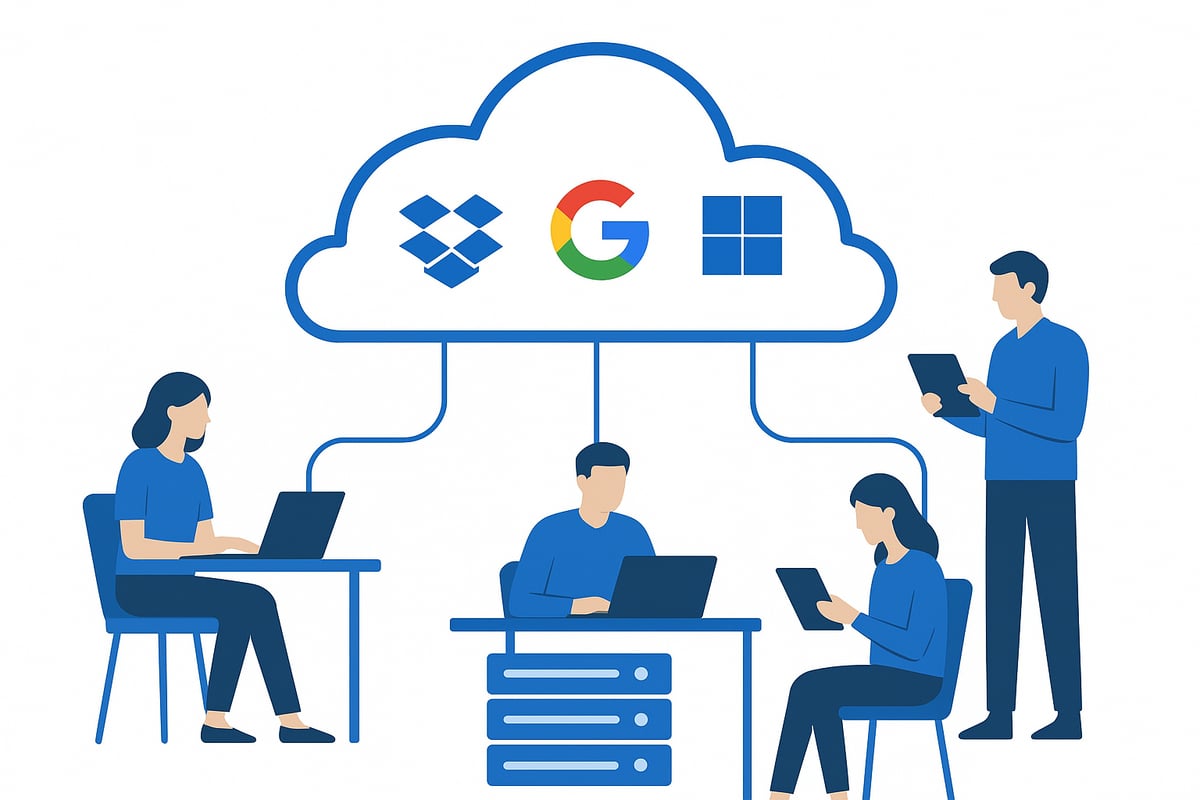
Imagine a world where you can access business tools or personal applications from any device, anywhere, without ever needing to install software. This is the core promise you discover when you first learn saas. SaaS, or Software as a Service, delivers applications over the internet, allowing users to connect through a web browser, not through local installations.
What is SaaS?
At its core, SaaS is a software delivery model where applications are hosted on remote servers and provided to users via the internet. Unlike traditional software that requires installation and manual updates, SaaS platforms are managed by vendors who handle everything from maintenance to security. If you want to dive deeper into the basics, SaaS validation fundamentals is a great resource for anyone looking to learn saas from the ground up.
This approach means users always access the latest version of the software, benefiting from new features without extra effort. SaaS is typically offered on a subscription basis, making it flexible and scalable for both individuals and businesses.
SaaS vs. Traditional Software
To fully learn saas, it helps to compare it with the traditional software model:
| Feature | SaaS | Traditional Software |
|---|---|---|
| Installation | No local install needed | Installed on each device |
| Updates | Automatic, by vendor | Manual, user responsibility |
| Payment | Subscription (monthly/annual) | One-time purchase |
| Access | Any device, browser-based | Tied to specific hardware |
| Maintenance | Handled by provider | User or internal IT |
This table highlights how SaaS removes many technical barriers, offering convenience and reducing the IT workload.
Core Components of SaaS
Several features set SaaS apart. Most platforms are built using multi-tenancy, where multiple users share the same application while keeping their data separate and secure. Scalability is another key benefit—resources are allocated as needed, so businesses can grow without worrying about infrastructure.
SaaS interfaces are typically web-based, allowing access through standard browsers. This design ensures users can work from laptops, tablets, or smartphones, further supporting the flexibility that makes people want to learn saas.
Key SaaS Examples
SaaS is everywhere in modern life. Leading examples include:
- Google Workspace for productivity and collaboration
- Salesforce for customer relationship management
- Dropbox for cloud file storage and sharing
- Microsoft 365 for office applications and communication
These platforms illustrate how SaaS can meet a wide range of needs, from business operations to personal productivity.
How SaaS Operates and Its Models
SaaS applications are centrally hosted in secure data centers, ensuring reliability and consistent performance. Users log in via a browser, and their data is stored safely offsite. There are several service models:
- Public SaaS: Shared resources, open to multiple organizations
- Private SaaS: Dedicated environment for one customer
- Hybrid SaaS: Combines public and private features
Each model offers different levels of control and customization, allowing organizations to choose what fits best as they learn saas.
SaaS in the Cloud Computing Ecosystem
SaaS is a vital part of cloud computing, working alongside Infrastructure as a Service (IaaS) and Platform as a Service (PaaS). Together, these models provide a full technology stack, streamlining IT management and enabling rapid innovation.
SaaS integrates smoothly with other cloud services, playing a central role in modern digital transformation. By 2021, the number of SaaS applications exceeded 10,000, showing just how widespread and essential this model has become for those who want to learn saas and stay competitive.
The Advantages and Challenges of SaaS
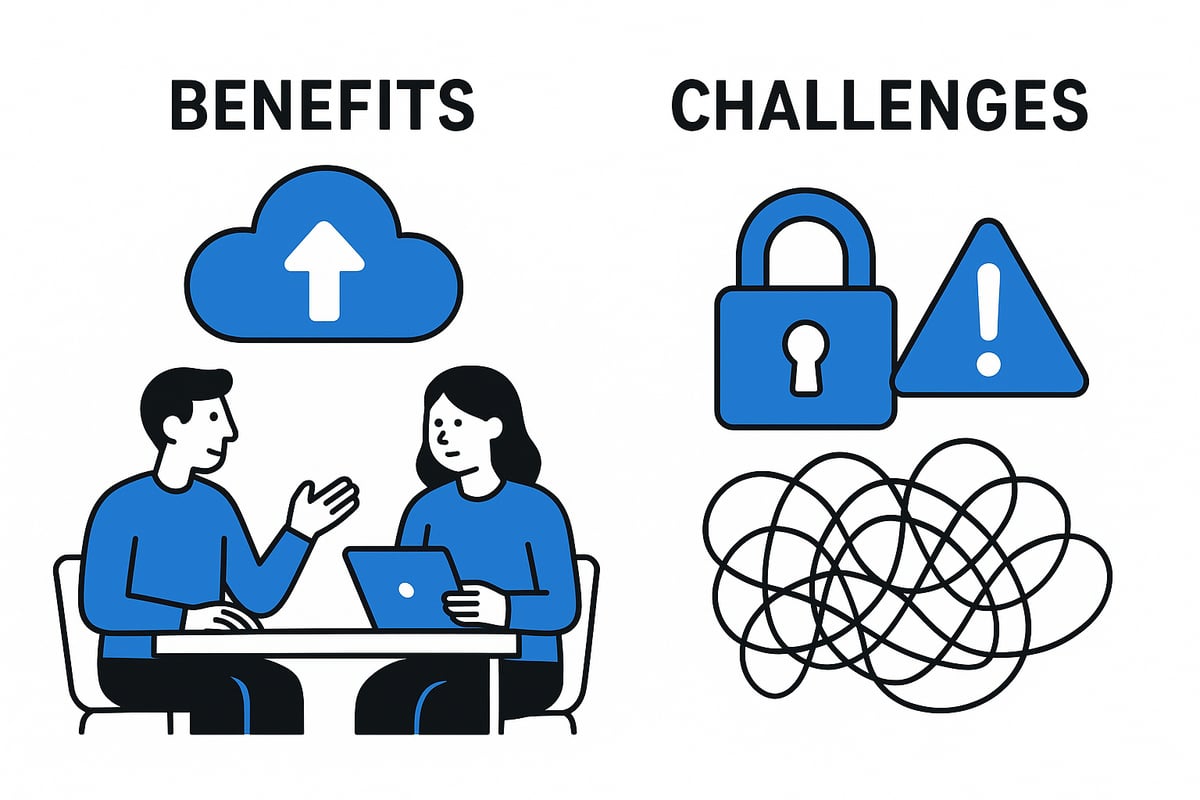
Understanding both the benefits and drawbacks is essential as you learn saas. SaaS models have transformed the way organizations and individuals use technology, offering new opportunities but also unique challenges. Let’s break down what you need to know.
Major Benefits of SaaS for Businesses and Individuals
When you learn saas, the first thing that stands out is cost efficiency. Traditional software often requires hefty upfront investments in hardware and licenses. SaaS, by contrast, shifts to a subscription model, letting you pay only for what you use. This approach lowers barriers for startups and growing teams.
SaaS platforms are also built for scalability. Adding or removing users is as simple as adjusting your subscription. Whether your team grows from five to fifty, you can scale seamlessly without infrastructure changes.
Accessibility is another key advantage as you learn saas. With cloud-based access, you can sign in from any device, anywhere with an internet connection. This flexibility supports remote work and global collaboration.
Maintenance is handled by the vendor, which means automatic updates, security patches, and backups. You never have to worry about installing new versions or troubleshooting compatibility issues.
Collaboration features are deeply integrated into SaaS tools. Real-time file sharing, comments, and team dashboards make teamwork effortless. For example, Dropbox enables distributed teams to work together smoothly, sharing files instantly and tracking changes in one place.
Business agility improves, too. SaaS solutions can be deployed in hours rather than weeks, allowing organizations to respond quickly to market changes. These advantages make SaaS an attractive option for modern businesses.
Here is a quick comparison of SaaS benefits:
| Benefit | Description |
|---|---|
| Cost Savings | Subscription model, no upfront hardware/software costs |
| Scalability | Easily add or remove users and features |
| Accessibility | Use from any device, anywhere with internet |
| Maintenance-Free | Vendor manages updates, patches, and backups |
| Collaboration | Real-time sharing and teamwork tools |
| Business Agility | Rapid deployment and easy adaptation |
By focusing on these strengths, you can maximize value as you learn saas and adapt to evolving digital needs.
Common Challenges and Drawbacks
While the benefits are compelling, it’s important to recognize the challenges as you learn saas. One major concern is data security. Sensitive information is stored offsite, making robust encryption and access controls critical.
Integration complexity can arise when connecting SaaS tools with existing systems. Not all platforms offer seamless compatibility, which can slow down adoption or require custom solutions.
Downtime risks are inherent, as you depend on the vendor’s uptime and service level agreements. Even brief outages can disrupt operations, so it’s vital to review reliability metrics before committing.
Customization is often limited. Unlike on-premises solutions, SaaS typically provides less flexibility for unique workflows or branding. This trade-off can be significant for organizations with specialized requirements.
Vendor lock-in is another challenge. Migrating data and processes to a different provider can be difficult and costly, especially as your reliance on the platform grows.
Compliance hurdles can be particularly complex, especially in regulated industries. Healthcare providers, for example, must ensure HIPAA compliance when using SaaS. For a deeper look at compliance strategies and best practices, see SaaS compliance challenges and solutions.
Here’s a summary of common SaaS challenges:
- Data security and privacy concerns
- Integration with legacy systems
- Dependence on vendor uptime
- Limited customization options
- Risk of vendor lock-in
- Navigating regulatory compliance
Despite these issues, organizations can mitigate risks by carefully evaluating vendors and planning their SaaS adoption. As you learn saas, understanding both the upsides and potential pitfalls prepares you to make informed decisions for your needs.
SaaS vs. Traditional Software: Key Differences Explained
Understanding the distinction between SaaS and traditional software is crucial if you want to learn saas effectively. These two models differ in fundamental ways, impacting how organizations and individuals access, pay for, and manage their software solutions.
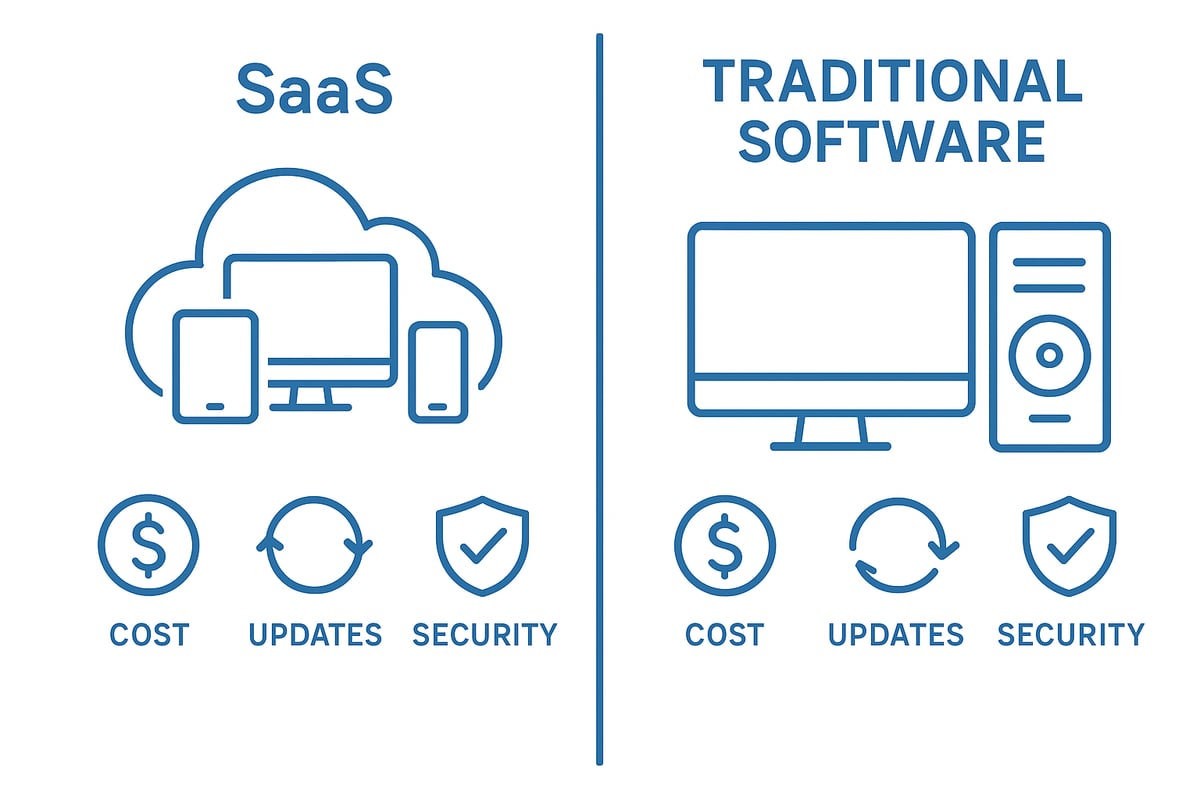
Let’s break down the main differences between SaaS and traditional software in a clear comparison table:
| Feature | SaaS | Traditional Software |
|---|---|---|
| Ownership | Subscription-based | Perpetual license |
| Deployment | Cloud-hosted, browser access | On-premises installation |
| Cost Structure | Monthly or annual fees | Large upfront purchase |
| Updates | Automatic, continuous | Manual, periodic |
| User Experience | Device-agnostic, web-based | Device-specific, installed locally |
| Security & Compliance | Vendor-managed | In-house IT responsibility |
When you learn saas, you quickly notice that SaaS software is typically accessed through a web browser. This means users are no longer limited to a single device or location. In contrast, traditional software often requires installation on specific hardware, making remote access and collaboration more challenging.
Ownership and cost structure are also major differentiators. SaaS solutions are offered as subscriptions, so businesses avoid large upfront investments. Instead, they pay predictable monthly or annual fees. Traditional software usually involves a significant one-time purchase, along with ongoing costs for maintenance and upgrades.
Automatic updates are another advantage when you learn saas. Providers roll out the latest features and security patches centrally, so users always have access to the most current version. Traditional software users must manually update their systems, which can lead to delays and potential vulnerabilities.
Security and compliance responsibilities also shift. With SaaS, vendors manage encryption, access controls, and regulatory requirements. In traditional setups, internal IT teams must handle all aspects of security, which can be complex and resource-intensive.
A compelling case study is Microsoft 365. Formerly the Office Suite, it transitioned from a traditional software package to a SaaS model. This shift enabled Microsoft to deliver continuous updates, better cross-device support, and simplified licensing, demonstrating the practical impact as more organizations learn saas fundamentals.
Adoption trends highlight the scale of this change. According to SaaS adoption statistics 2025, 73% of organizations now use at least one SaaS application, reflecting the growing preference for flexibility and scalability.
Ultimately, as you learn saas, these differences explain why SaaS is rapidly becoming the standard for modern software delivery. Understanding these contrasts helps you make informed choices about which solutions best fit your needs.
SaaS Pricing Models and Cost Considerations
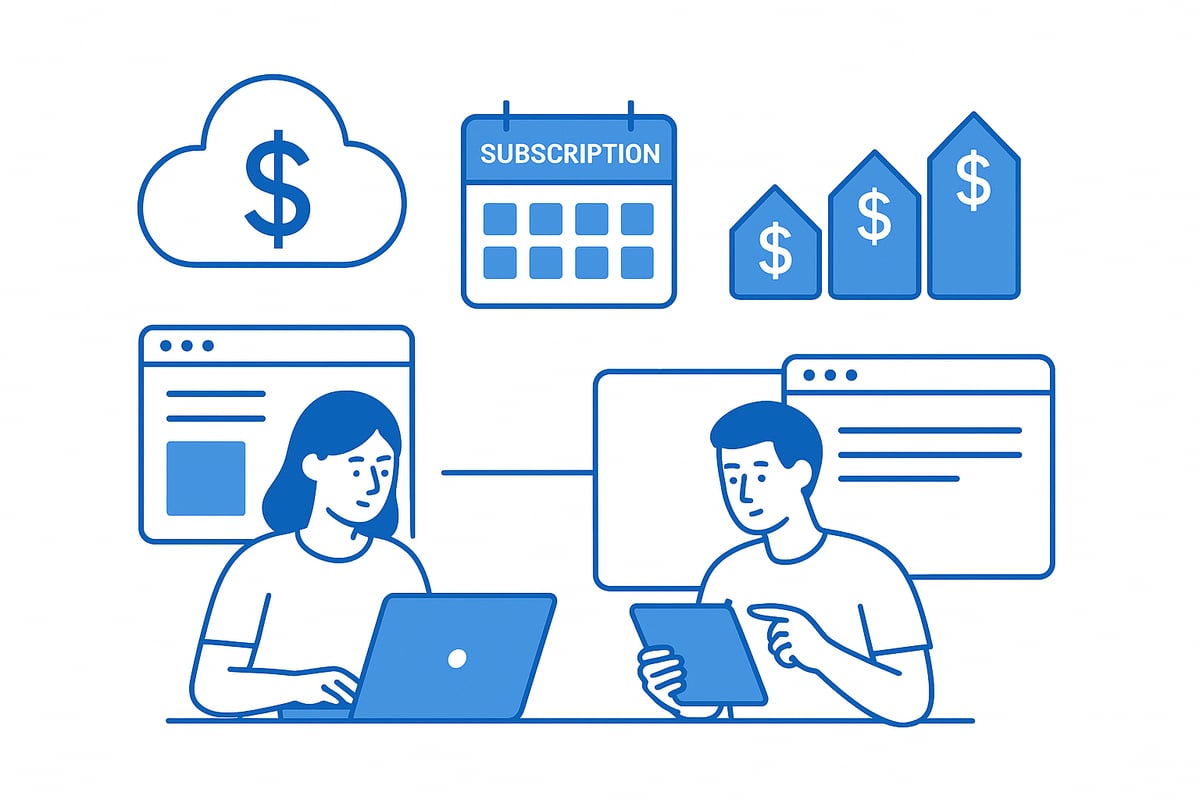
Choosing the right pricing model is a foundational step as you learn saas fundamentals. SaaS providers offer several flexible approaches to suit different customer needs and business goals. Understanding these models is essential for making informed decisions, whether you are a business owner or an individual user.
Common SaaS Pricing Models
SaaS pricing models are designed to provide accessibility and scalability. The most popular options include:
| Pricing Model | Description | Example |
|---|---|---|
| Subscription | Fixed monthly or annual fee per user or tier | Microsoft 365 |
| Usage-based | Pay for what you use (API calls, storage, etc.) | Amazon Web Services |
| Freemium | Free basic version, pay for premium features | Dropbox |
| Tiered Pricing | Multiple plans for different needs | Salesforce Essentials |
The subscription-based model is the most widespread, offering predictable costs and easy budgeting. Usage-based pricing is ideal for organizations with fluctuating requirements, as charges align with actual consumption.
Freemium attracts users with basic access, encouraging upgrades to unlock advanced features. Tiered pricing gives businesses flexibility to select a plan that matches their current stage and needs.
When you learn saas, it is important to understand that strategic pricing directly impacts user adoption and revenue growth. For a deeper dive into how companies select and optimize these models, see SaaS pricing and business models.
For example, Salesforce offers Essentials, Professional, and Enterprise tiers, each with varying features and price points. This approach enables customers to scale up as their needs evolve, making the SaaS journey more accessible.
How to Choose the Right SaaS Pricing Model
As you learn saas, selecting the right pricing model requires careful evaluation of your unique context. Start by assessing your user volume and typical usage patterns. A small team with occasional needs may benefit from freemium or usage-based options, while growing companies often prefer subscription or tiered plans for stability.
Consider these key factors when making your choice:
- Business size and projected growth trajectory
- Integration needs with current systems
- Level of customer support required
- Total cost of ownership compared to traditional software
Integration and support can influence the total value you receive from a SaaS solution. For example, startups might initially opt for a basic or free plan, then upgrade as their team expands and their needs become more complex.
It is essential to analyze both short-term and long-term costs. As you learn saas, remember that flexibility is a core benefit, but switching between models or vendors can have implications for budgeting and workflow.
By aligning your pricing model with your operational goals, you can maximize the advantages of SaaS while maintaining financial control and supporting future growth.
Security, Compliance, and Reliability in SaaS
Navigating the world of SaaS requires a clear understanding of security, compliance, and reliability. If you want to learn saas in depth, you must examine how providers safeguard data, follow regulations, and ensure consistent service. These pillars are essential whether you are choosing your first SaaS solution or scaling business operations.
Key Security and Compliance Considerations
When you learn saas fundamentals, security and compliance are at the top of the list. SaaS providers use robust tools to keep data safe both in transit and at rest. Encryption, strong authentication, and continuous monitoring form the backbone of these protections.
Here are essential security and compliance features to look for:
| Feature | Description |
|---|---|
| Data Encryption | Protects information during transfer/storage |
| Identity & Access Management | Controls user permissions and identity |
| Regulatory Compliance | Meets standards like GDPR, HIPAA, SOC 2 |
| Vendor Transparency | Clear policies and audit trails |
Global regulations such as GDPR require SaaS vendors to handle personal data responsibly. Many top SaaS companies invest heavily in certifications and external audits to maintain trust.
For a deeper dive into how SaaS vendors turn GDPR compliance into an advantage, explore Security and compliance for SaaS.
You should always check if vendors provide documentation proving their compliance status. This step is critical as you learn saas best practices and protect your organization’s sensitive information.
Understanding SLAs and SLOs in SaaS
Reliability is another cornerstone when you learn saas and evaluate providers. Service Level Agreements (SLAs) and Service Level Objectives (SLOs) set clear expectations for uptime, support, and performance.
SLAs are legal commitments between you and the provider. They specify minimum service levels, such as 99.9% uptime or guaranteed response times for support requests. SLOs, on the other hand, are measurable goals within these agreements.
Key elements to look for in SLAs and SLOs:
- Guaranteed uptime percentage
- Clear escalation procedures for incidents
- Defined response and resolution times
- Transparency in reporting and penalties
Reviewing these details helps you reduce risk and ensure business continuity. As you continue to learn saas, always prioritize vendors who back up their promises with transparent and enforceable SLAs.
Selecting SaaS solutions with strong SLAs and compliance records ensures your data remains secure and your operations stay resilient. This approach empowers you to confidently adopt and scale SaaS for your business.
Getting Started with SaaS: A Step-by-Step Beginner’s Roadmap
Embarking on your journey to learn saas can be both exciting and overwhelming. With so many options and features, knowing where to begin is crucial. This roadmap breaks down the process into clear, actionable steps to ensure a smooth transition to SaaS, whether you are a business owner or an individual user.
Step 1: Identify Your Needs and Goals
To successfully learn saas, start by pinpointing the challenges you wish to solve. Are you looking for better collaboration, improved data management, or streamlined workflows? Write down your pain points and describe the ideal outcome.
For example, a distributed team may struggle with file sharing and real-time communication. In this case, your goal could be to enhance remote collaboration and ensure everyone has access to the latest documents.
A clear understanding of your needs will guide your search for the right SaaS solutions.
Step 2: Research and Shortlist SaaS Solutions
Once you know what you need, the next step to learn saas is to explore available options. Use trusted SaaS marketplaces and review platforms to compare products. Look at features, scalability, pricing, and user reviews.
Create a shortlist of solutions that align with your goals. For instance, if you need productivity tools, compare Google Workspace and Microsoft 365 by examining their collaboration features, security, and integration capabilities.
Making a shortlist helps you focus your evaluation and saves time during testing.
Step 3: Evaluate Security, Compliance, and Integration
As you continue to learn saas, security and compatibility should be top priorities. Review each vendor’s security certifications, such as ISO 27001 or SOC 2, and confirm compliance with relevant regulations like GDPR or HIPAA.
Assess how well the SaaS platform integrates with your existing tools. For example, if you use a specific accounting software, check if your shortlisted CRM solution offers seamless integration.
A careful evaluation here can prevent headaches and ensure a secure, efficient workflow.
Step 4: Test with Free Trials or Demos
A hands-on approach is essential to truly learn saas. Most vendors offer free trials or live demos. Sign up for a trial and involve key stakeholders to test the platform’s usability and features.
For example, try a 30-day trial of a project management SaaS, creating tasks and inviting team members to collaborate. Pay attention to user experience, performance, and support responsiveness.
Testing helps you validate your choice before making a financial commitment.
Step 5: Plan Implementation and User Training
Transitioning to a new SaaS tool requires a solid plan. As you learn saas, develop a rollout timeline, assign responsibilities, and organize onboarding sessions for your team.
For larger organizations, consider a phased deployment, starting with a pilot group before company-wide adoption. Provide training resources and encourage users to ask questions.
Proper planning and training reduce resistance to change and maximize the value of your SaaS investment.
Step 6: Monitor Performance and Optimize Usage
Ongoing management is key as you continue to learn saas. Track usage metrics, user feedback, and adoption rates. Adjust subscription tiers or enable additional features as your needs change.
For more in-depth guidance, explore resources on Managing SaaS solutions to streamline administration and maximize ROI.
For example, as your team grows, you might need to scale up storage or add new integrations to support evolving workflows.
Step 7: Review Contracts and Scale as Needed
The final step in your journey to learn saas is to regularly review your contracts and scalability options. Negotiate renewal terms, confirm service level agreements (SLAs), and ensure your vendor can support future growth.
If your business expands, consider moving from a freemium or basic plan to an enterprise-level package for added features and support.
Proactive contract management ensures you always get the best value and can quickly adapt to new requirements.
SaaS Trends and Future Outlook for 2025
The SaaS landscape is evolving rapidly, shaping how businesses and individuals access technology. As you learn saas fundamentals, it is essential to understand the major trends influencing the industry’s future. SaaS is no longer just about convenience. It is now a core driver of digital transformation across every sector.
Artificial Intelligence and Automation
AI and automation are revolutionizing SaaS platforms. Expect to see smarter features such as predictive analytics, automated customer support, and intelligent workflow management. As organizations learn saas, AI-driven tools will help them boost productivity, reduce manual tasks, and gain actionable insights from their data.
Vertical SaaS and Industry-Specific Solutions
A significant trend is the rise of vertical SaaS. These are solutions tailored for specific industries like healthcare, finance, or education. Vertical SaaS enables businesses to access features that directly address their regulatory, workflow, and compliance needs. This focus allows users to learn saas in a context that is highly relevant to their daily operations.
Security, Privacy, and Compliance
With the increasing adoption of SaaS, security and privacy have become top priorities. Vendors are investing in advanced encryption, multi-factor authentication, and automated compliance tools. As more companies learn saas, they demand transparency and reliability from providers to protect sensitive information and meet evolving regulations.
Composable and API-First Architectures
The future of SaaS is modular. Composable SaaS and API-first platforms allow organizations to build custom solutions by integrating multiple services seamlessly. This flexibility supports innovation and helps businesses learn saas by creating tailored ecosystems that adapt as they grow.
Global Adoption and Emerging Markets
SaaS adoption is accelerating worldwide, with emerging markets playing a significant role. Affordable pricing models and accessibility from any device make SaaS appealing to startups and enterprises alike. The growing demand for remote collaboration and digital tools is driving widespread interest as more people learn saas.
SaaS Market Growth and Predictions
The global SaaS market is booming. According to recent statistics, the SaaS market projected to reach $300 billion by 2025, reflecting explosive growth and widespread adoption. Over 10,000 SaaS certificates have been claimed, and AI-powered SaaS tools for analytics and support are on the rise.
| Trend | Impact for 2025 | Example |
|---|---|---|
| AI and Automation | Smarter, more efficient workflows | AI-driven analytics platforms |
| Vertical SaaS | Industry-specific capabilities | Healthcare SaaS for HIPAA |
| Security Enhancements | Improved data protection | Automated compliance checks |
| Composable Architectures | Customizable tech stacks | API-integrated SaaS suites |
| Global Adoption | Broader accessibility | SaaS in emerging markets |
These trends confirm that to learn saas is to prepare for a future where software is intelligent, secure, and accessible everywhere. Staying informed about these innovations ensures you can leverage SaaS for long-term success.
Frequently Asked Questions About SaaS
Curious about SaaS and how it fits into your digital world? This FAQ section will help you learn saas fundamentals, address common concerns, and guide you through the most asked questions about Software as a Service.
What are the top examples of SaaS applications?
SaaS covers a wide range of tools for business and personal use. Here is a quick overview:
| SaaS Type | Popular Examples |
|---|---|
| Productivity | Google Workspace, Microsoft 365 |
| CRM | Salesforce, HubSpot |
| Storage/Collaboration | Dropbox, Box |
| Project Management | Asana, Trello |
| Accounting | QuickBooks Online, Xero |
When you learn saas basics, these examples often come up as industry leaders.
How does SaaS differ from IaaS and PaaS?
SaaS, IaaS, and PaaS are all cloud service models, each serving different needs:
- SaaS: Complete applications delivered over the internet (e.g., email, CRM).
- IaaS: Infrastructure resources like servers and storage.
- PaaS: Platforms for building and deploying applications.
SaaS is the most user-facing, while IaaS and PaaS are more technical. Understanding these differences is key as you learn saas and make cloud decisions.
Is SaaS secure for sensitive data?
Security is a top concern for SaaS users. Reliable vendors use encryption, access controls, and compliance certifications. Following SaaS security best practices helps organizations protect sensitive information and monitor usage effectively. Always review a provider’s security measures before adopting a solution.
Can SaaS be customized to fit unique business needs?
Most SaaS platforms offer some customization, such as configurable workflows or integrations. However, deep changes to core features are often limited compared to traditional software. For many, the flexibility and frequent updates outweigh these limitations.
What are the main disadvantages of using SaaS?
SaaS can present challenges such as:
- Data stored offsite
- Possible downtime if the provider has issues
- Limited customization options
- Potential difficulties switching vendors
It’s important to weigh these drawbacks as you learn saas and consider adopting new tools.
How do I migrate from traditional software to SaaS?
Migration typically involves:
- Identifying business needs
- Selecting a SaaS provider
- Backing up and transferring data
- Training users on the new platform
A step-by-step approach ensures a smooth transition and helps you maximize the benefits as you learn saas.
What support is available from SaaS vendors?
Most vendors provide support through:
- Online help centers and documentation
- Email or chat support
- Dedicated account managers for enterprise clients
Check the service level agreement (SLA) for details on response times.
What are the most common SaaS types?
According to Great Learning, the most common SaaS types include:
| Category | Examples |
|---|---|
| CRM | Salesforce, HubSpot |
| ERP | Oracle NetSuite, SAP |
| Accounting | QuickBooks Online, Xero |
| Project Management | Asana, Trello |
| Email Marketing | Mailchimp, Constant Contact |
As you learn saas, you’ll see these categories are vital for many organizations.